Merge and upload
Merging the clips
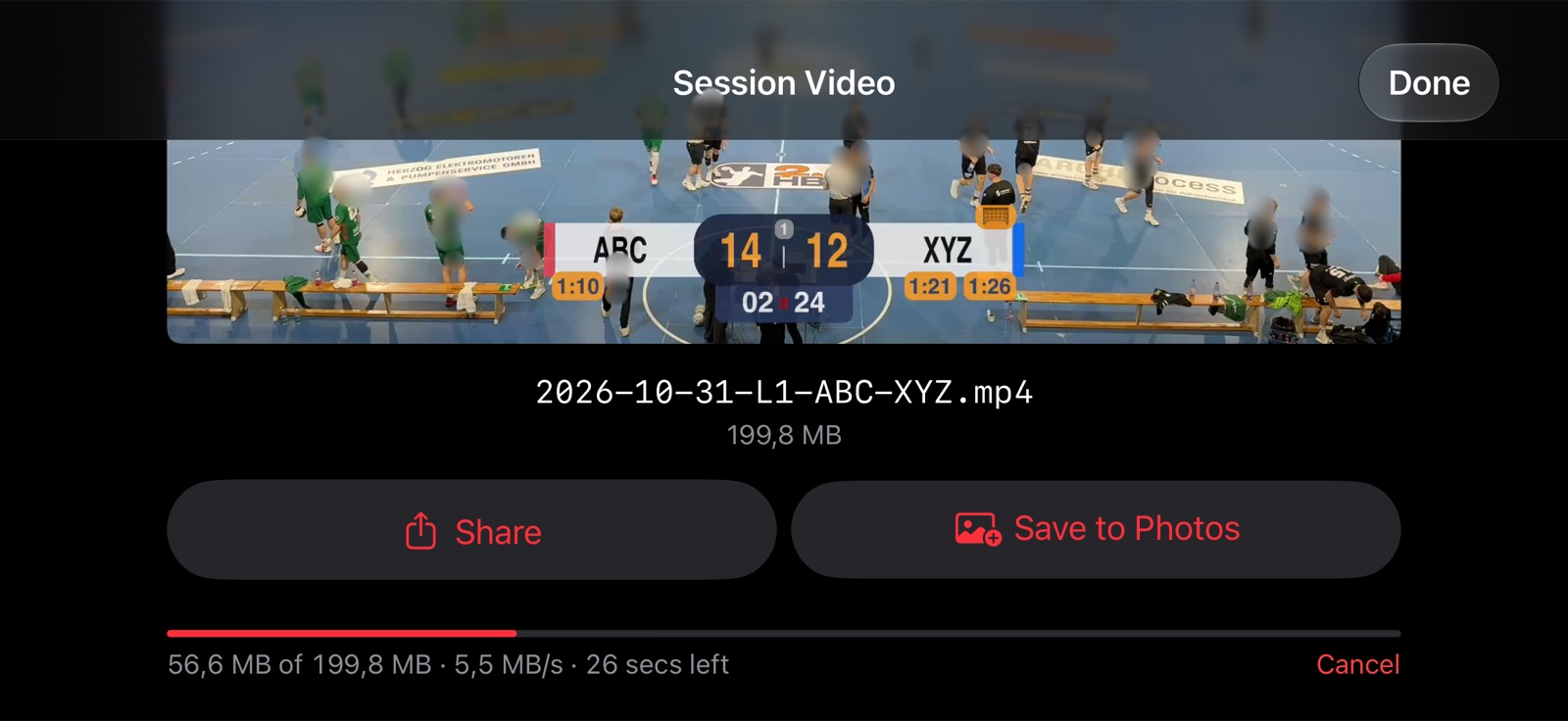
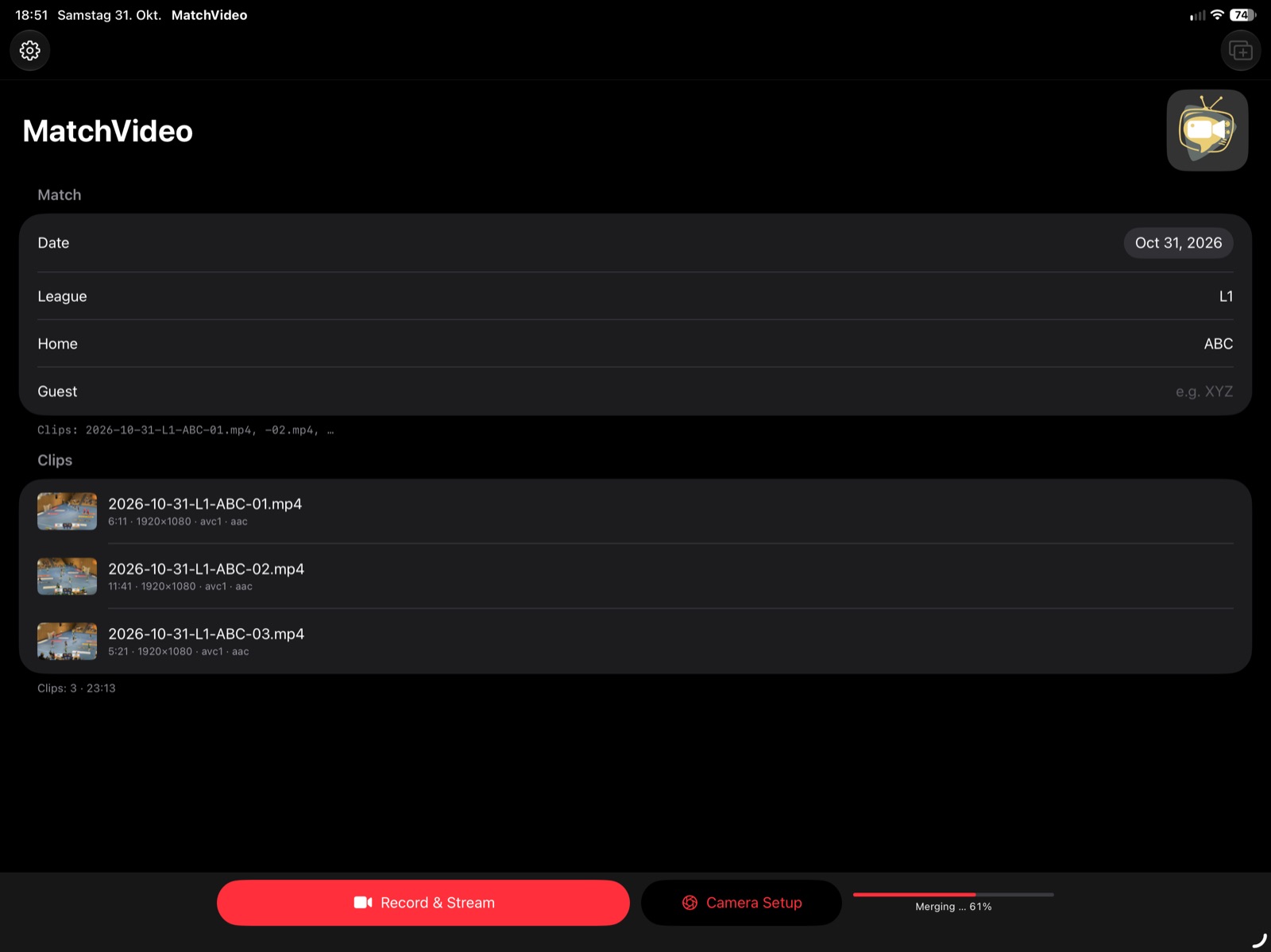
Merge Clips in the session view joins the selected clips losslessly into one video, in the order of the list. Optionally, a Clock wipe between clips can be added: only a few seconds around each transition are re-encoded, the rest stays unchanged. The check mark in front of each clip decides whether it is merged; unchecked clips stay in the session (dimmed) and can still be played and shared.
The result can be played, shared, saved to Photos (Save to Photos) or uploaded to a server.
Uploading to a server
MatchVideo uploads to a WebDAV folder. Set it up once with Set Up Upload…:
- Folder URL – the full address of the folder, starting with
https://. - User name and Password – kept in the iOS keychain.
- Test Connection checks that the folder exists and is writable.
Options:
- Upload in chunks – the video is uploaded in pieces and can continue after an interruption. This needs a job on the server that joins the pieces; without the option, the video is uploaded as a whole.
- Upload poster image – a still from the beginning of the video, saved as JPEG next to it.
The upload continues in the background; its progress is also shown outside the app.