
Camera setup
The camera setup shows only the camera picture, so the device can be aligned at the venue. It is reached from the session view and from the settings.
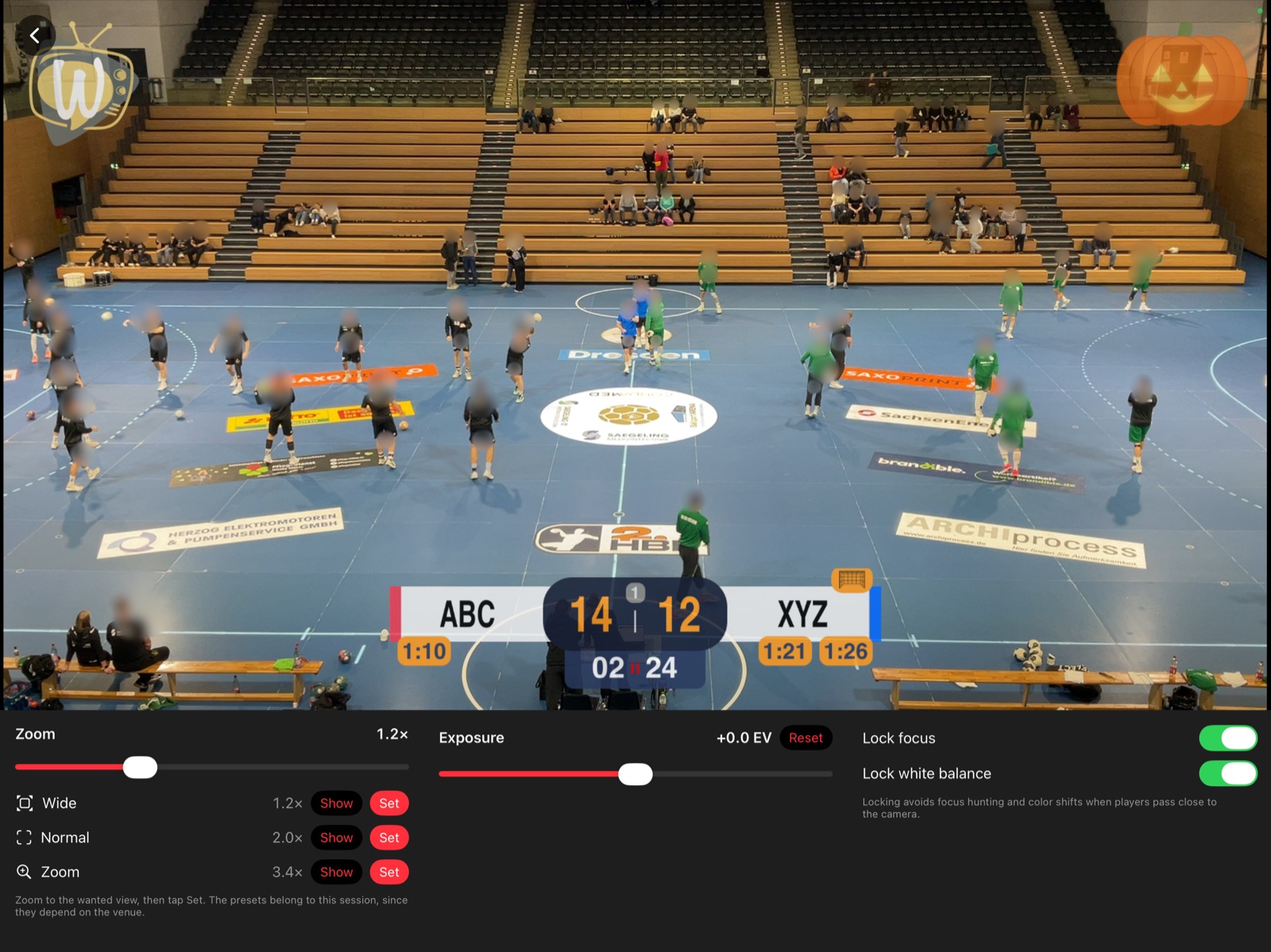
Zoom presets
There are three zoom presets per session:
- Wide – the whole field.
- Normal – the view used to follow the game.
- Zoom – a close-up, switched on and off temporarily in the video view.
Zoom the picture as desired and tap Set on the preset to store the current zoom. Show moves the camera to the stored value. Where the device has an ultra-wide camera, a zoom below 1× is possible.
Replay presets with Zoom as in the camera setup zoom by the ratio of Zoom to Normal (see Replay).
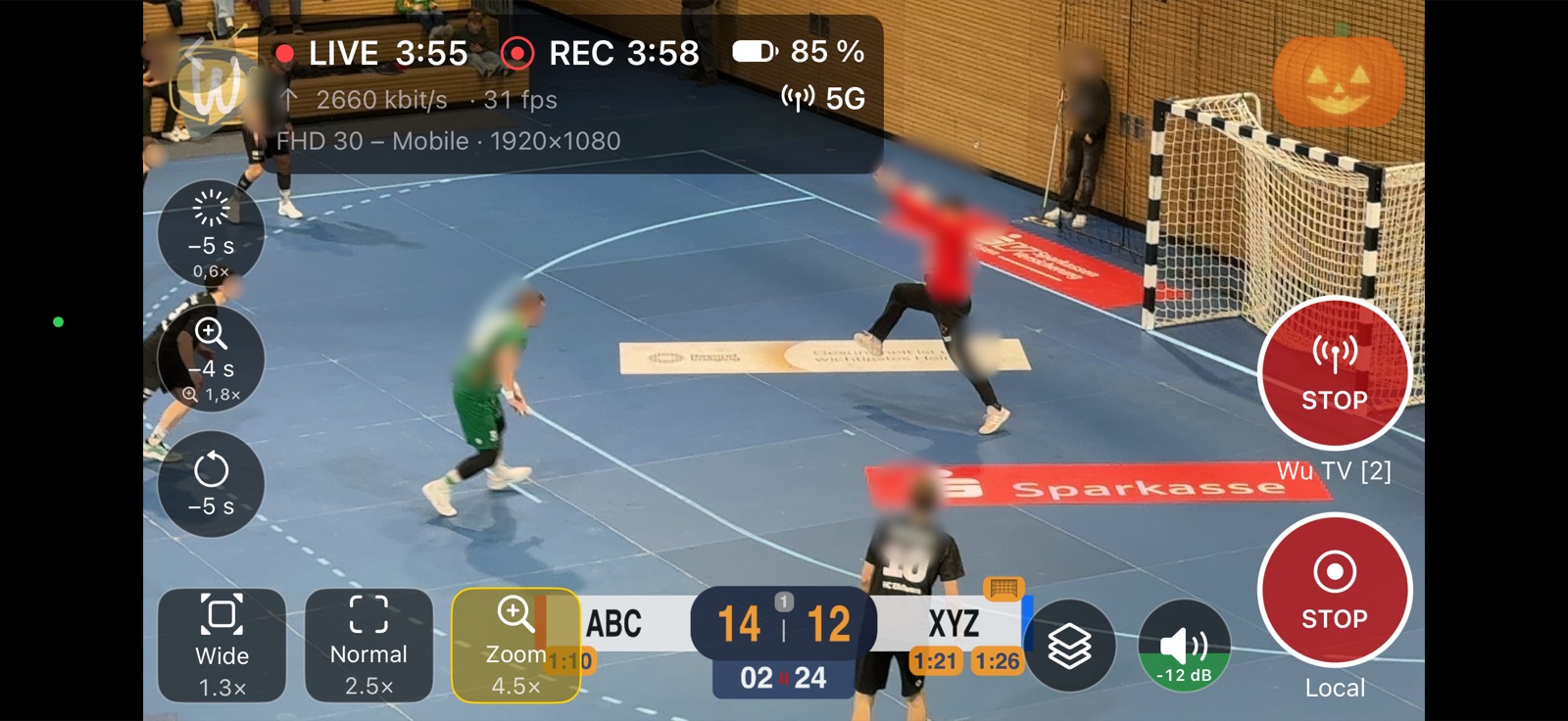
Further settings
- Exposure – correction for bright or dark venues, stored with the session.
- Lock focus and Lock white balance – prevents the picture from pumping when players or the light change.
Positioning overlays
Position on Camera shows the overlays on the live picture, so they can be placed where they do not cover the game.