
MatchTicker
The live score for the spectators: MatchTicker shows the score of a match as Live Activity on the Lock Screen, in the Dynamic Island and in the Smart Stack of the Apple Watch – also when the app isn’t open.

For spectators
- Scan the QR code of the match with the camera or in MatchTicker.
- MatchTicker opens and follows the match: the teams with their full names, score, clock and timeline.
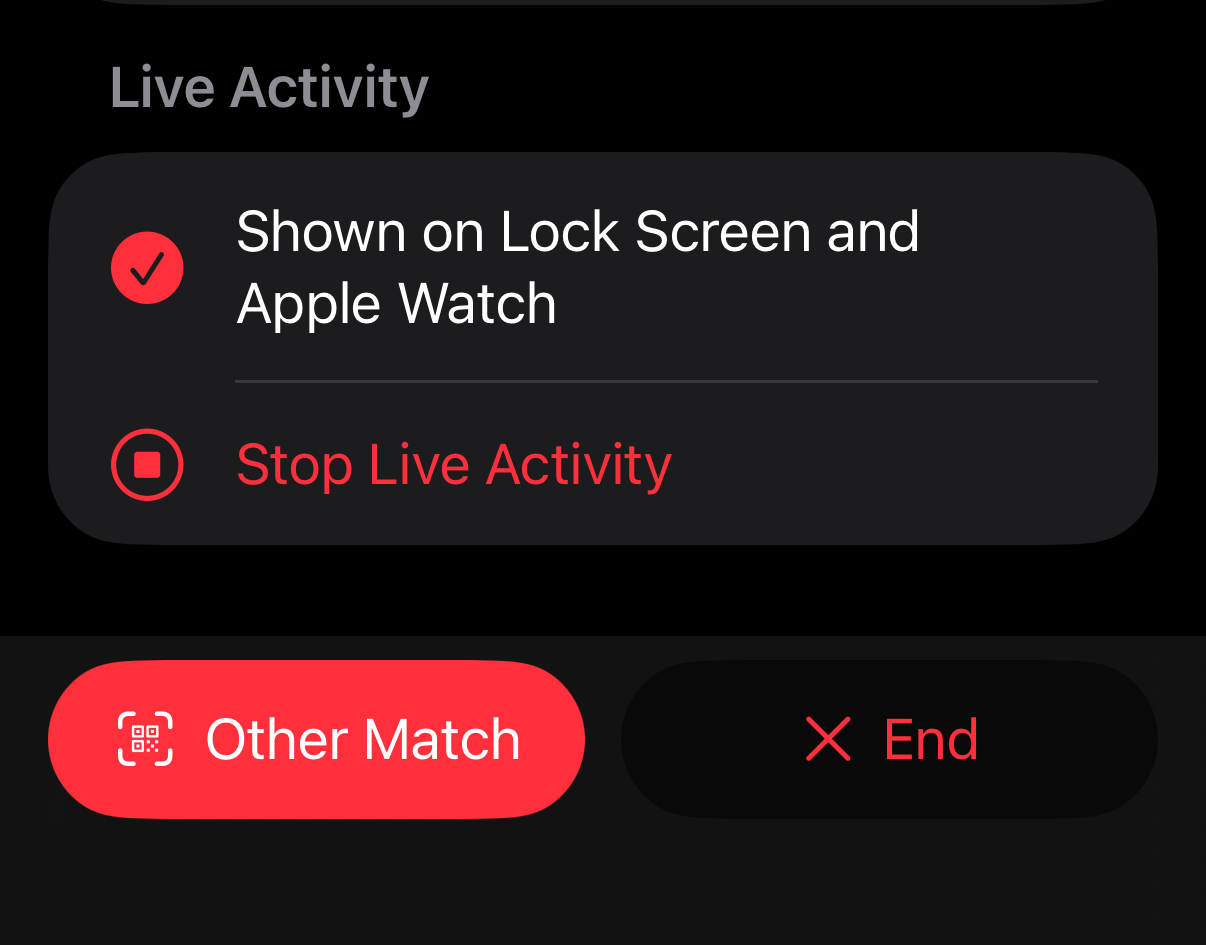
- The Live Activity keeps the score on the Lock Screen until the match ends.
No account, no registration, no tracking: MatchTicker only reads the public score of the match. The last five matches you followed stay under Recent.
To bring others along, Share below the Live Activity has the link of the match: Copy Link, Share Link (Messages, WhatsApp …) and Show QR Code – large, to scan from your screen, also to share as an image.
For MatchGuide users
Under Widgets → Spectators MatchGuide shows the link and the QR code, and messages about a fixture bring them along with {tickerlink} and {tickercode} – print it, put it on the screen in the hall or share it in your group chat.
- A link to a fixture – the one MatchGuide offers for the game of a fixture – follows its game, also when another device takes it over.
- A link to an event follows the game of the event being played and moves on to the next game by itself – one QR code for a whole tournament day.
- A link to a court – for a free game without a fixture – follows that device.
After the game the Live Activity ends by itself.
Without MatchTicker, the same link opens the score in the browser – with the teams, the timeline and the link to pass on, also as QR code.