
MatchGuide
The scoreboard in your pocket: run the clock and the score of a match with iPhone or iPad, keep your events, fixtures and rankings up to date – and show everything live as widgets on websites, in video streams and on the phones of the spectators.

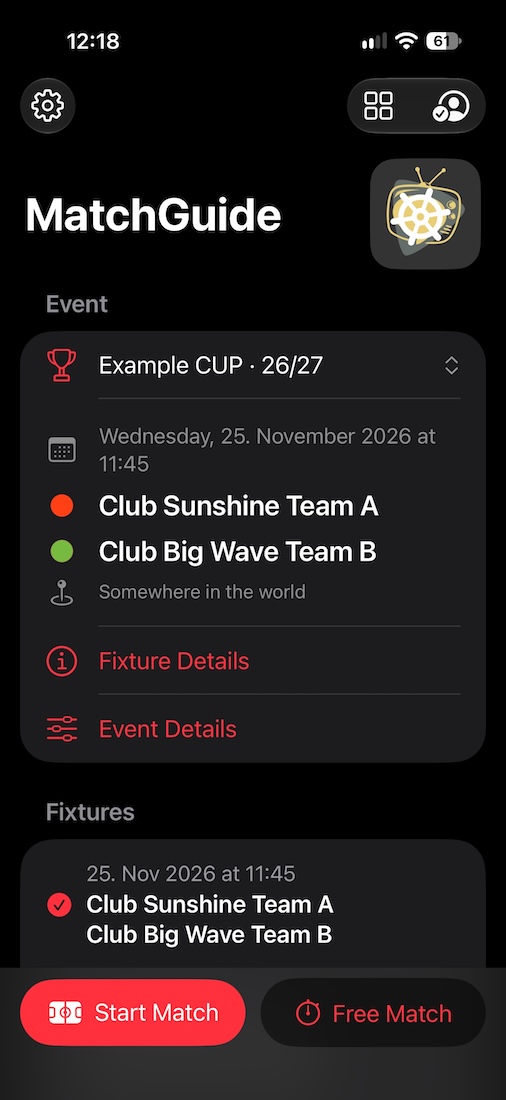
What MatchGuide does
- Match control for clock and goals (handball, football, hockey …), clock and points (basketball, American football, rugby) and sets (volleyball, badminton, table tennis) – with penalties, timeouts, sections and overtime.
- Events – leagues, groups, rounds and tournaments – with teams, fixtures, results and a ranking by your own rules. A fixture can count in several events, e.g. in the preliminary and the main round.
- Widgets for score, timeline, announcement, ranking and fixtures: a link or a QR code is all it takes to show them on a website, in OBS or as an overlay in MatchVideo.
- Spectators follow the match with MatchTicker: the score appears as Live Activity on the Lock Screen, in the Dynamic Island and on the Apple Watch.
- Messages about a fixture – announcement, stream, replay – from your own templates, shared with logo, QR code and a link to the venue.
- Working together: everyone with the account key works on equal terms, each on their own device – one keeps the score, another one edits the fixtures. If a device fails during a game, another one takes it over.
- Free to start: one event, free games, all widgets and MatchTicker cost nothing; a subscription allows up to 20 events.
Getting started
- Getting started – account, first event, first match.
- Events and fixtures, Match control, Widgets and panels.
- For the spectators: MatchTicker.